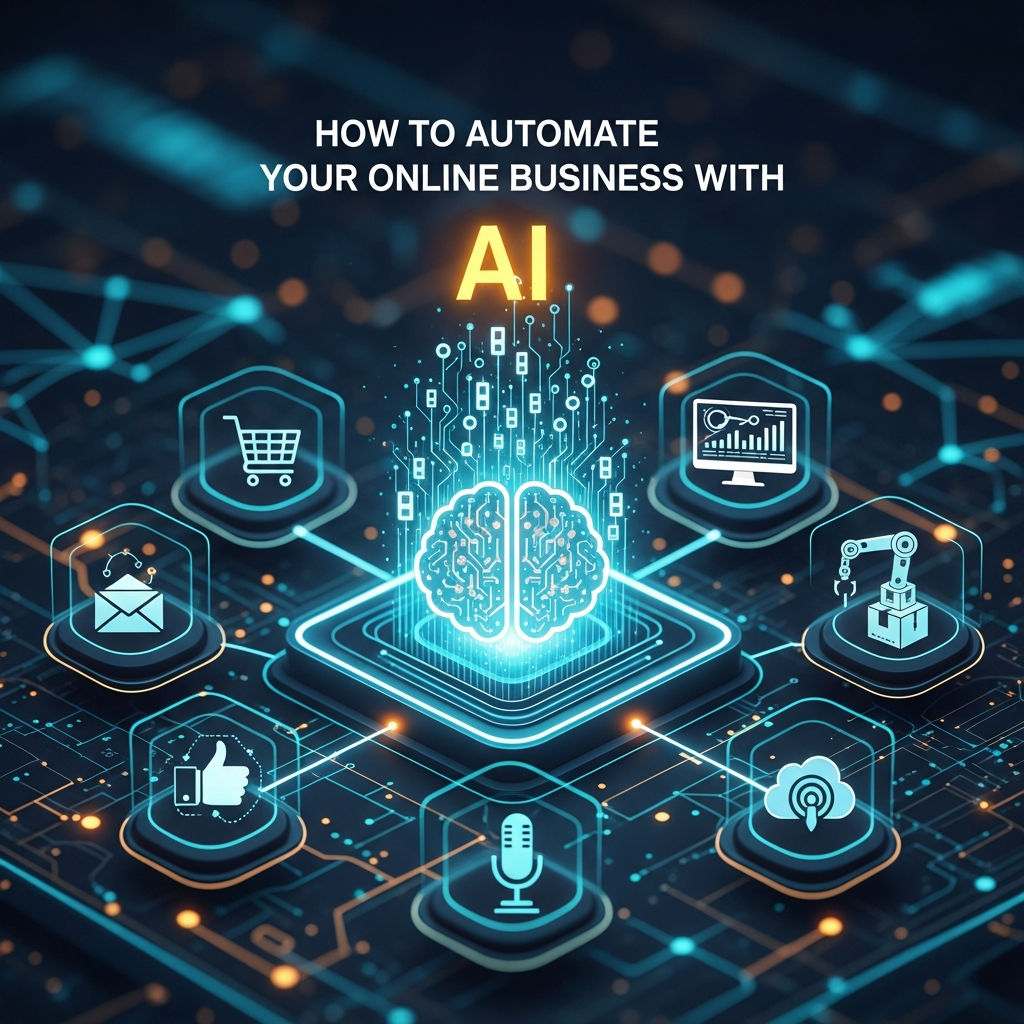

Running an online business means juggling dozens of tasks every single day. Customer emails pile up, social media accounts need constant attention, inventory must be tracked, marketing campaigns require monitoring, and analytics demand review. It’s exhausting, and for many entrepreneurs, it’s the main barrier between staying small and scaling successfully.
Here’s the good news: artificial intelligence has made business automation accessible to everyone—not just enterprise companies with million-dollar budgets. AI-powered tools can now handle routine tasks, respond to customers instantly, analyze data in real-time, and make intelligent decisions that once required human judgment.
This guide shows you exactly how to automate your online business with AI, from customer service and marketing to operations and analytics. You’ll discover practical, affordable solutions that save time, reduce errors, and allow you to focus on growth instead of daily firefighting. Whether you’re a solopreneur or managing a small team, these automation strategies will transform how you work.
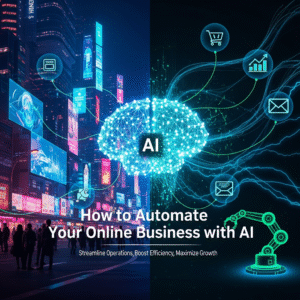
Why AI Automation Matters for Online Businesses
Traditional automation follows rigid rules: “If this happens, do that.” AI automation is different—it learns, adapts, and makes contextual decisions. An AI chatbot doesn’t just follow a script; it understands customer intent and responds appropriately. AI email tools don’t just send scheduled messages; they optimize send times based on individual recipient behavior.
For online business owners, this means automation that actually works in real-world scenarios. You’re not constantly fixing broken workflows or handling exceptions manually. The systems get smarter over time, delivering better results with less oversight.
The financial impact is significant. Businesses using AI automation report 30-40% time savings on routine tasks, reduced customer service costs, higher conversion rates through personalized marketing, and fewer costly errors in operations. Most importantly, automation gives you back the time to work on strategic growth initiatives.
Automating Customer Service with AI
AI Chatbots and Virtual Assistants
AI-powered chatbots have evolved far beyond the frustrating “press 1 for sales” experiences of the past. Modern solutions like Intercom, Drift, and Tidio use natural language processing to understand customer questions and provide genuinely helpful responses.
These chatbots can handle common inquiries about shipping, returns, product features, and account issues—resolving 60-80% of customer questions without human intervention. They work 24/7, respond instantly, and escalate complex issues to your team with full conversation context.
Implementation is straightforward. Start by identifying your top 20 most frequent customer questions. Train your chatbot on these responses using your existing help documentation. Monitor conversations for the first few weeks and refine responses based on real interactions.
AI Email Management
Tools like Superhuman, SaneBox, and Levity AI use machine learning to categorize incoming emails, prioritize urgent messages, and even draft responses. They learn from your behavior—which emails you respond to quickly, which you delete, which you archive—and apply that knowledge to incoming messages.
For order confirmations, shipping updates, and common customer inquiries, AI can generate personalized responses that maintain your brand voice. You review and send with one click instead of typing from scratch every time.
Marketing Automation with AI
Personalized Email Campaigns
AI transforms email marketing from batch-and-blast to personalized conversations. Platforms like Klaviyo, ActiveCampaign, and HubSpot use AI to analyze customer behavior and send targeted messages at optimal times.
The AI considers factors like past purchase history, browsing behavior, email engagement patterns, and even predicted lifetime value. Instead of everyone receiving the same promotional email, each customer gets messages relevant to their interests and purchase journey stage.
Set up these automations:
- Welcome series that adapts based on how new subscribers interact
- Abandoned cart emails with personalized product recommendations
- Win-back campaigns triggered when customers show disengagement signals
- Post-purchase sequences that suggest complementary products based on what they bought
Social Media Automation
Tools like Buffer AI Assistant, Hootsuite Insights, and Lately automate social media scheduling and content creation. They analyze which posts perform best with your audience and generate similar content that matches your brand voice.
AI can repurpose your blog posts into multiple social media updates, create platform-specific variations of the same message, and suggest optimal posting times based on when your audience is most active. This maintains consistent social presence without requiring hours of daily attention.
Ad Campaign Optimization
Google Ads and Facebook Ads both incorporate AI that automatically optimizes your campaigns. Smart Bidding adjusts bids in real-time based on conversion likelihood. Responsive ads test different headline and description combinations to find top performers.
For smaller businesses, tools like AdCreative.ai generate ad copy and visuals, while Madgicx provides AI-powered audience targeting and budget allocation across campaigns. These tools make sophisticated advertising strategies accessible without requiring expert knowledge.
Operations and Inventory Automation
AI-Powered Inventory Management
For e-commerce businesses, inventory management AI like Inventory Planner or Cin7 predicts demand based on historical sales, seasonal trends, and external factors. This prevents both stockouts and overstock situations that tie up capital.
The systems automatically generate purchase orders when inventory reaches reorder points, adjust quantities based on sales velocity changes, and even recommend which products to discount based on aging inventory and demand forecasts.
Automated Bookkeeping and Finance
QuickBooks, Xero, and Wave all incorporate AI features that automatically categorize transactions, match receipts to expenses, reconcile accounts, and flag anomalies. Instead of spending hours on bookkeeping monthly, you spend minutes reviewing what the AI has already organized.
These tools also generate financial reports automatically and can predict cash flow based on historical patterns and upcoming expenses, helping you make informed financial decisions.
Sales Process Automation
Lead Scoring and Qualification
AI analyzes prospect behavior—website visits, content downloads, email engagement—and assigns lead scores indicating purchase readiness. Tools like Salesforce Einstein, HubSpot, and Pipedrive use machine learning to identify which leads are most likely to convert.
This allows your sales efforts to focus on high-potential prospects instead of wasting time on tire-kickers. The AI continuously refines its scoring model based on which leads actually convert, improving accuracy over time.
Automated Follow-Up Sequences
Once a lead enters your system, AI-powered CRM tools can automatically send personalized follow-up messages based on prospect actions. If someone downloads a pricing guide, they receive case studies. If they visit the pricing page multiple times, they get a special offer.
These sequences adapt dynamically—if a prospect opens but doesn’t respond, the AI adjusts the next message’s timing and content. This maintains engagement without requiring manual tracking of every prospect’s journey.
Content and SEO Automation
AI Content Optimization
Tools like Surfer SEO, Clearscope, and Frase analyze top-ranking content and provide specific recommendations for optimization. They tell you which topics to cover, keywords to include, ideal content length, and structural improvements.
For ongoing content monitoring, these tools alert you when your rankings drop and suggest updates to regain positions. This turns SEO from guesswork into a data-driven process.
Automated Reporting and Analytics
Google Analytics 4 includes AI features that automatically surface insights like traffic anomalies, emerging trends, and conversion optimization opportunities. Instead of digging through reports manually, the AI highlights what matters.
Tools like Supermetrics and Databox automate report generation, pulling data from multiple sources and creating dashboards that update in real-time. You get comprehensive business intelligence without spreadsheet work.
Getting Started: Your AI Automation Roadmap
Don’t try to automate everything at once. Start with your biggest time drains or error-prone processes. Here’s a practical approach:
Month 1: Implement AI chatbot for customer service. This typically delivers immediate, visible results that justify further automation investment.
Month 2: Set up AI-powered email marketing. Focus on abandoned cart recovery and post-purchase sequences—these drive direct revenue.
Month 3: Add social media automation and content optimization tools. This maintains marketing momentum with less daily effort.
Month 4+: Expand to operations, inventory, and advanced analytics as you become comfortable with AI tools.
Budget considerations: Start with free tiers or affordable tools ($50-100/month total). As automation proves ROI, reinvest savings into premium features. Most businesses break even within 2-3 months through time savings and increased conversions.
Maintaining the Human Touch
The goal of AI automation isn’t eliminating human interaction—it’s eliminating unnecessary human work so you can focus on high-value activities. Personal customer relationships, strategic decisions, creative work, and complex problem-solving still require human judgment.
Always provide easy paths for customers to reach real people when needed. Monitor AI interactions regularly to ensure quality. Use the time saved on automation to build genuine connections with your best customers and develop strategies that differentiate your business.
Conclusion
Automating your online business with AI is no longer optional for growth-minded entrepreneurs. The technology has reached a point where it’s affordable, accessible, and genuinely effective at handling routine tasks that once consumed your day.
Start small with one or two automations that address your most pressing challenges. Monitor results, refine your approach, and gradually expand your automation stack. The businesses thriving in today’s competitive online marketplace aren’t working more hours—they’re leveraging AI to work smarter.
The time you save through automation compounds. An hour saved daily becomes 365 hours annually—that’s nine full work weeks you can redirect toward growth, innovation, and the strategic work that truly moves your business forward. Take the first step today, and you’ll wonder how you ever managed without it.
Frequently Asked Questions
Is AI automation expensive for small online businesses?
Not anymore. Many powerful AI automation tools offer free tiers or plans under $100 monthly that are perfectly suitable for small businesses. Chatbots like Tidio, email platforms like Mailchimp, and social media tools like Buffer all provide affordable AI features. Most businesses find that automation pays for itself within 2-3 months through time savings and increased revenue. Start with free options and upgrade only when you’re seeing clear ROI.
Will customers notice they’re interacting with AI instead of humans?
Modern AI is sophisticated enough that most customers don’t realize they’re chatting with a bot for simple inquiries. However, transparency is important—let customers know AI is assisting them and always provide easy options to reach human support when needed. The key is using AI for straightforward tasks while routing complex or sensitive issues to your team. Customers care more about fast, accurate responses than whether they come from AI or humans.
How much technical knowledge do I need to implement AI automation?
Most modern AI business tools are designed for non-technical users with intuitive interfaces and setup wizards. If you can use standard business software like email or social media platforms, you can implement AI automation. Many tools offer templates, tutorials, and customer support to help you get started. The learning curve is minimal—typically a few hours to set up basic automation, with ongoing refinement as you learn what works best for your business.
Can AI automation really understand my specific business needs?
Yes, through training and customization. Most AI tools learn from your data—your past customer conversations, email campaigns, sales patterns, and business processes. The more you use them, the better they understand your specific context, terminology, and customer base. You can also customize responses, set business rules, and define workflows that match your unique operations. The AI adapts to your business, not the other way