
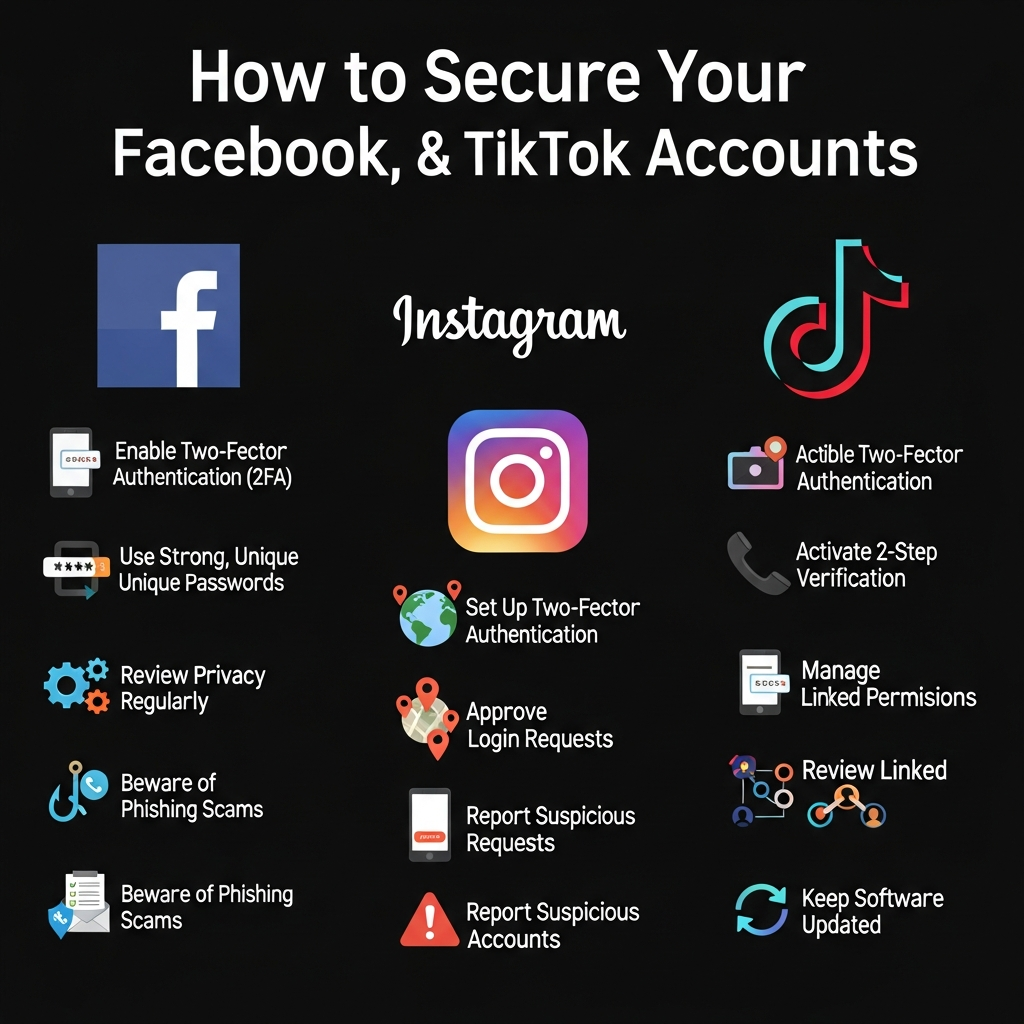

Imagine waking up, reaching for your phone, and opening Instagram or TikTok, only to find you’ve been logged out. You try your password. It doesn’t work. Your profile picture has changed, and your friends are receiving strange messages from “you.”
This is the nightmare scenario of a social media hack. In 2024, social media account theft is not just an inconvenience; it is a major privacy risk. We store our memories, our private conversations, and sometimes even our business livelihoods on these platforms.
The good news is that you don’t need to be a tech genius to protect yourself. By adjusting a few settings and building better habits, you can make your accounts nearly impossible to break into.
This guide will walk you through the essential steps to lock down your Facebook, Instagram, and TikTok accounts today.
Key Takeaways
-
Enable 2FA: Two-Factor Authentication is your strongest defense against hackers.
-
Stop Reusing Passwords: Using the same password for every site is the #1 reason accounts get hacked.
-
Check Active Sessions: Regularly review which devices are logged into your account.
-
Beware of DMs: Most modern “hacks” are actually phishing scams sent via Direct Messages.
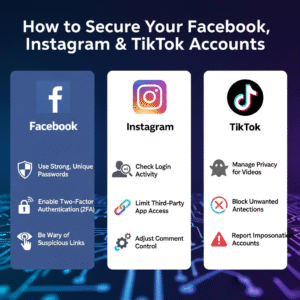
The Golden Rule: Use Strong, Unique Passwords
Before diving into specific settings for each app, we must address the most common security failure: password reuse.
If you use the same password for Facebook that you use for an obscure forum or online store, you are at risk. If that small site gets breached, hackers will try that email and password combination on Facebook, Instagram, and TikTok. This is called “credential stuffing.”
How to Build a Better Password
-
Length over complexity: A password that is 15 characters long is often harder to crack than a short one with symbols. Consider using a “passphrase” made of four random words (e.g., Purple-Coffee-Running-Brick).
-
Never reuse them: Each social media platform must have its own unique password.
-
Use a Password Manager: Tools like Bitwarden, 1Password, or the built-in manager on your iPhone/Android allow you to generate impossible-to-guess passwords without needing to memorize them.
The Must-Have: Two-Factor Authentication (2FA)
If you only do one thing from this article, make it this. Two-Factor Authentication (2FA) adds a second layer of security. Even if a hacker steals your password, they cannot access your account without the second “key,” which is usually a code sent to your phone.
The Two Types of 2FA
-
Text Message (SMS): The platform texts you a code. This is good, but not perfect (hackers can sometimes swap your SIM card).
-
Authentication App (Recommended): Apps like Google Authenticator or Duo Mobile generate a new code every 30 seconds. This is much more secure than SMS.
How to Secure Your Facebook Account
Facebook is often the hub of your digital identity, linked to many other apps. Securing it is critical.
1. Enable 2FA on Facebook
Go to Settings & Privacy > Settings > Security and Login > Two-Factor Authentication. Choose an Authentication App for the best security.
2. Check “Where You’re Logged In”
This is a powerful feature. In the Security and Login menu, look at the section titled Where you’re logged in.
-
Review the list of devices.
-
If you see a device you don’t recognize (e.g., a Windows PC when you only use a Mac, or a location in a different country), click the three dots next to it and select Log Out.
3. Set Up Recovery Alerts
Ensure Facebook notifies you if someone tries to log in from an unrecognized browser. Turn on alerts for login attempts in the Setting up extra security section.
How to Protect Your Instagram Account
Instagram is a prime target for hackers because compromised accounts are often used to promote cryptocurrency scams.
1. set Up 2FA for Instagram
Go to your profile, tap the menu (three lines), then Settings and privacy > Accounts Center > Password and security > Two-factor authentication.
2. Revoke Access to Third-Party Apps
Have you ever used an app to see “who unfollowed you” or to edit photos? These apps often require access to your Instagram account. If those apps get hacked, you get hacked.
-
Go to Settings and privacy > Website permissions > Apps and websites.
-
Remove any app that you do not actively use or recognize.
3. Watch Out for the “Copyright Infringement” Scam
A common Instagram attack involves a DM or email claiming to be from “Instagram Support.” It will say you violated copyright and must click a link to appeal. Instagram will never DM you about account security. Always check your account status directly in the app settings, never via a link.
How to Lock Down TikTok
TikTok is massive, and while it focuses on entertainment, your account data is valuable.
1. Manage Your Devices
Like Facebook, TikTok lets you see who is using your account.
-
Go to Profile > Menu > Settings and privacy > Security > Manage devices.
-
If you see any suspicious phones or tablets, tap the trash can icon next to them to log them out immediately.
2. Disable “Suggest Your Account to Others”
If you want to keep a lower profile and reduce the chance of being targeted by bots:
-
Go to Settings and privacy > Privacy > Suggest your account to others.
-
Toggle these options off. This stops TikTok from syncing your account to your phone contacts or Facebook friends.
3. Verification Codes
TikTok uses verification codes for logins. Never share a 4 or 6-digit code sent to your phone with anyone, even if a friend messages you saying, “I accidentally sent my code to your phone, can you tell me what it is?” This is a scam. They are trying to reset your password.
Universal Safety: Recognizing Phishing
Software settings can’t protect you if you voluntarily hand over your credentials. Most modern hacks rely on Social Engineering.
Be suspicious of:
-
Urgency: Messages saying “Your account will be deleted in 24 hours” are almost always fake.
-
Typos: Official messages from Meta (Facebook/Instagram) or TikTok rarely have grammar mistakes.
-
Links: Never click a link to log in. Always go to the app or the website (e.g., facebook.com) directly.
Conclusion
Securing your social media accounts doesn’t require a degree in cybersecurity. It requires a few minutes of setup and a healthy dose of skepticism.
By enabling Two-Factor Authentication, using a Password Manager, and regularly checking your Active Sessions, you make yourself a “hard target.” Hackers are lazy; they look for unlocked doors. Follow these steps, and they will likely move on to an easier target, keeping your memories and digital life safe.
Frequently Asked Questions (FAQ)
Q: What should I do if my account is already hacked?
A: Immediately try to reset your password using your email or phone number. If the hacker changed those, use the platform’s official “Hacked Account” support page (e.g., facebook.com/hacked). Report the account to the platform immediately to prevent the hacker from scamming your friends.
Q: Is SMS 2FA better than nothing?
A: Yes! While an Authentication App is safer, SMS text verification is still vastly better than having no protection at all. Do not turn off 2FA just because you don’t want to install an app; keep SMS enabled at a minimum.
Q: How often should I change my passwords?
A: If you use strong, unique passwords (like those generated by a manager), you don’t need to change them often unless you suspect a breach. Frequent changes often lead to people choosing weaker passwords.
Q: Can I trust “Account Recovery” services on Instagram/Twitter?
A: No. If you post that you were hacked, bots will reply telling you to DM a specific “hacker” or “expert” on Instagram to get your account back. These are scammers who will take your money and do nothing. Only trust official support channels.